 Meta Business Partners
Free WhatsApp Chat Link Generator
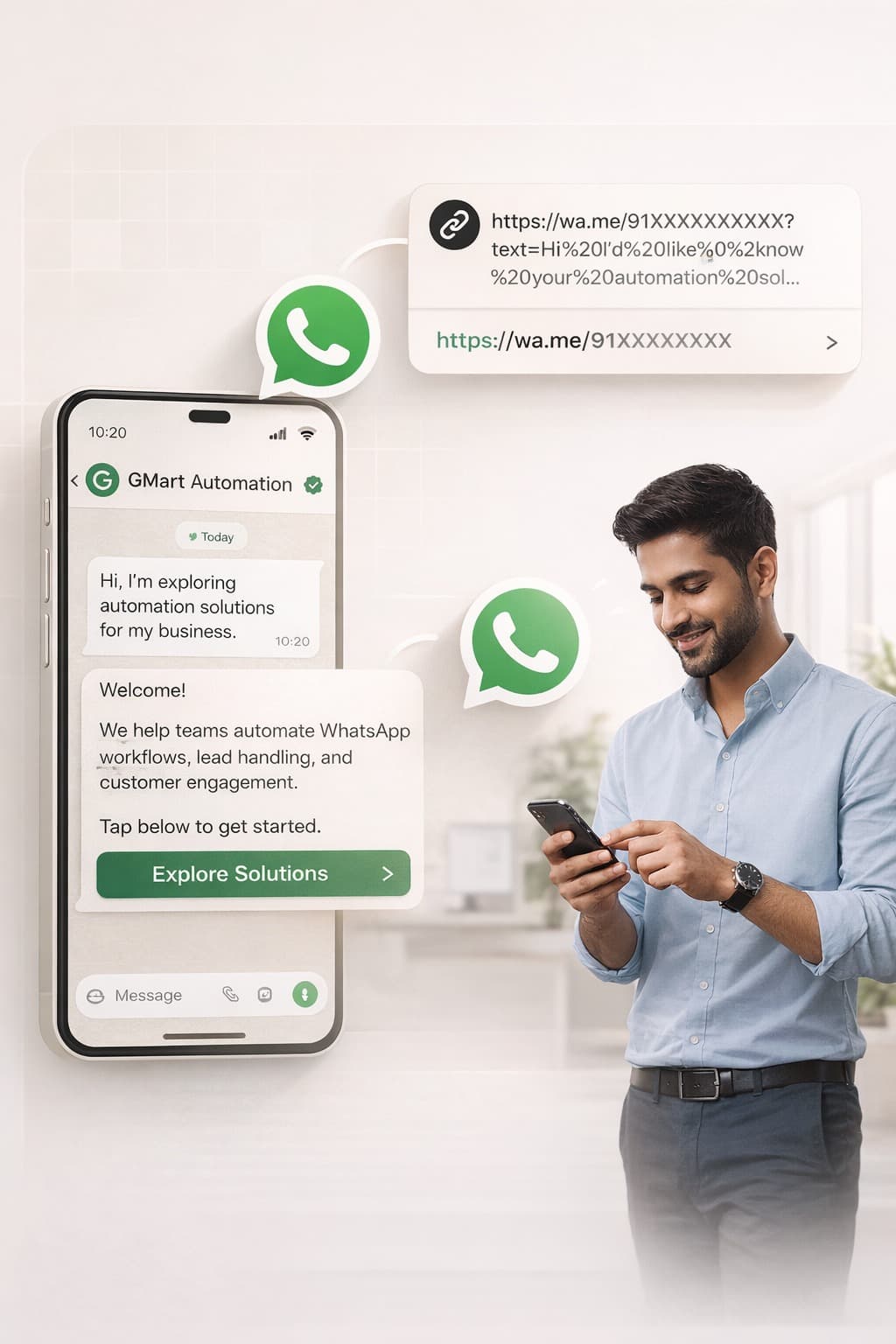
Easily connect with customers on WhatsApp using a single clickable chat link. With just one click, customers can start a conversation instantly—no need to save your number.
Create WhatsApp chat links effortlessly for one or multiple business numbers. Share your generated links with customers and manage conversations more efficiently, without any technical setup.
Use Click-to-Chat links across social media, ads, emails, and websites to drive WhatsApp conversations. Turn your marketing channels into direct, high-intent customer touchpoints.
Ways to Use WhatsApp Chat Links
Benefits of WhatsApp Chat Link
Scale Conversations, Engagement, and Revenue
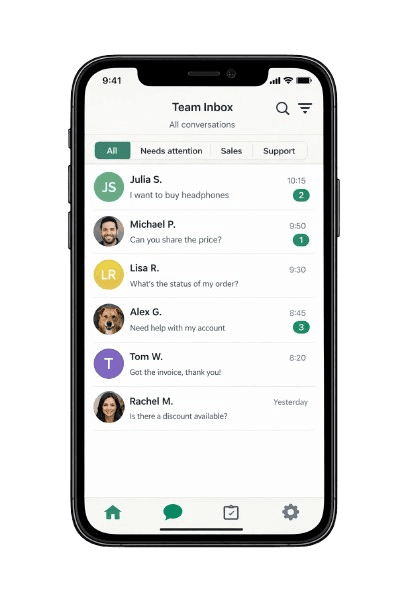
- Engage customers through fast, secure, and mobile-first communication channels designed for modern teams.
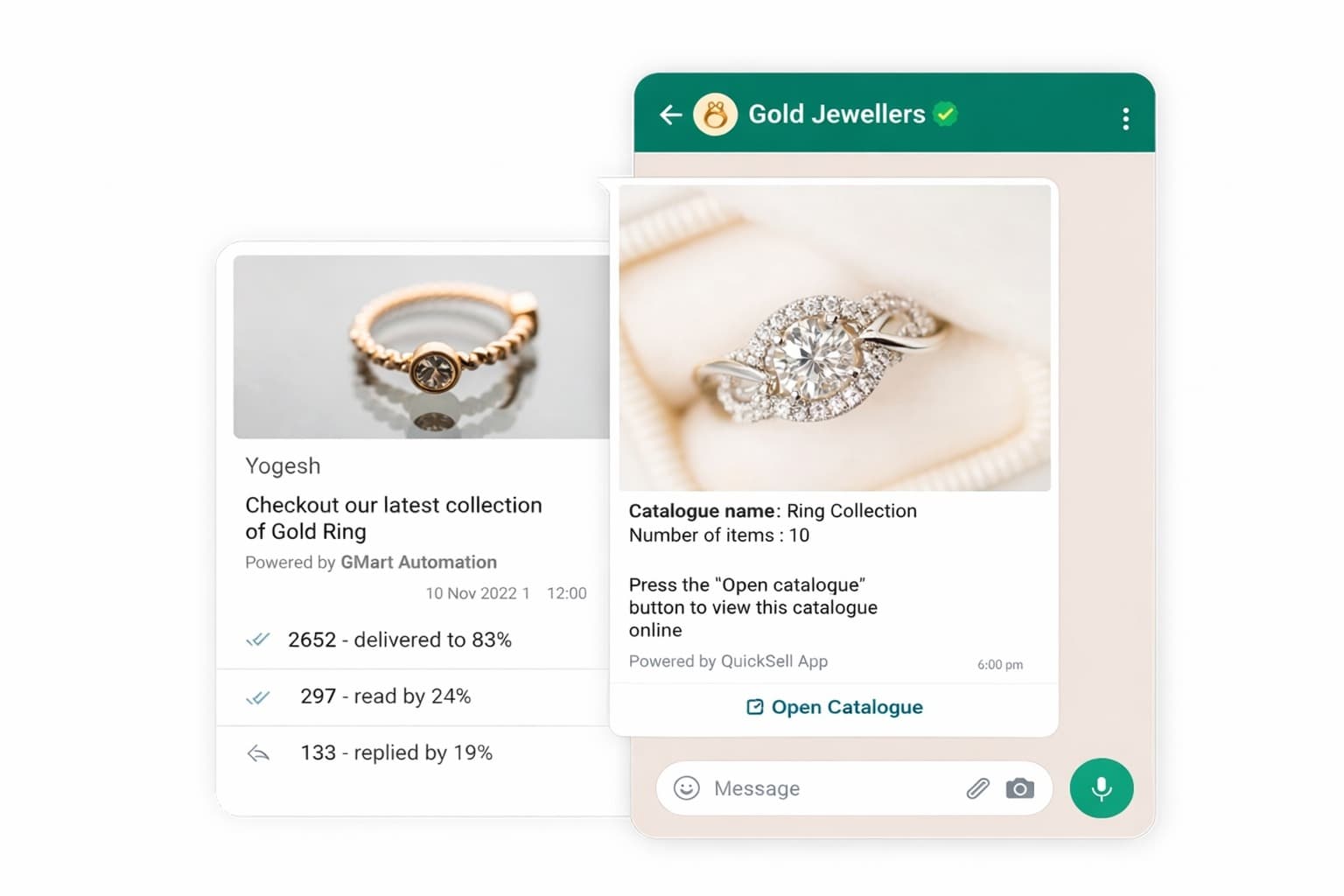
- Run high-volume outbound campaigns with real-time visibility into delivery, engagement, and responses.
- Automatically route conversations to the right teams using rules, roles, and smart assignment logic.
- Use intelligent automation to qualify leads, answer queries, and guide users through next actions.
- Keep conversations connected with internal systems to maintain full customer context.
- Build trust with verified business identities and compliant messaging infrastructure.
- Get dependable support and guidance to keep your communication running smoothly.
Frequently Asked Questions
GMart lets you instantly create WhatsApp chat links for any country code with optional pre-filled messages. Unlike basic wa.me links, GMart links are built for business—simple to create, easy to share, and designed to convert conversations into leads.
Open your WhatsApp group, tap on Group Info, select Invite via link, and copy the generated link. You can then share this link anywhere to allow users to join the group directly.
You can generate a WhatsApp chat link using GMart in three simple steps:
- Select your country code and enter your WhatsApp number
- Add an optional pre-filled message to guide the conversation
- Click Generate WhatsApp Chat Link to get a shareable link instantly
Once generated, simply paste the WhatsApp chat link into buttons, banners, contact sections, or floating widgets on your website. Visitors can click and start chatting with you on WhatsApp instantly.
Yes. You can update or stop using a WhatsApp chat link at any time by generating a new link with different details. Since links are dynamic, you’re always in control of what you share and where.
Open your WhatsApp group, tap Group Info, select Invite via link, and copy the link. You can then share it across websites, emails, or social channels as needed.
Open WhatsApp, go to the Calls tab, tap Create Call Link, choose the call type, and share the generated link with participants to join instantly.
Use GMart’s free WhatsApp Chat Link Generator to create a clickable chat link. Once generated, you can share it anywhere—on your website, social media, ads, or messages—to let users start a WhatsApp conversation instantly.
Yes. Creating and sharing WhatsApp chat links using GMart’s link generator is completely free. You can generate unlimited links without any setup or payment.
No. Customers can start a WhatsApp conversation instantly by clicking the chat link—there’s no need to save your number in their contacts.
Yes. GMart allows you to add a pre-filled message so customers start the conversation with the right context, such as a product inquiry or support request.
Yes. You can generate chat links for multiple WhatsApp numbers, making it easy to manage different teams, departments, or campaigns.
You can share your WhatsApp chat link anywhere—your website, landing pages, email campaigns, social media profiles, QR codes, or digital ads.
Accelerate Sales & Engagement with GMart WhatsApp Automation powered by WhatsApp Business API
Run sales, support, and customer interactions on WhatsApp using GMart’s automation platform—powered by the official WhatsApp Business API.Our team helps you onboard, configure, and go live quickly, so you can start automating conversations without friction.